
Appearance
Focus and Pomodoro
The Focus page runs a countdown for a stretch of undisturbed work.
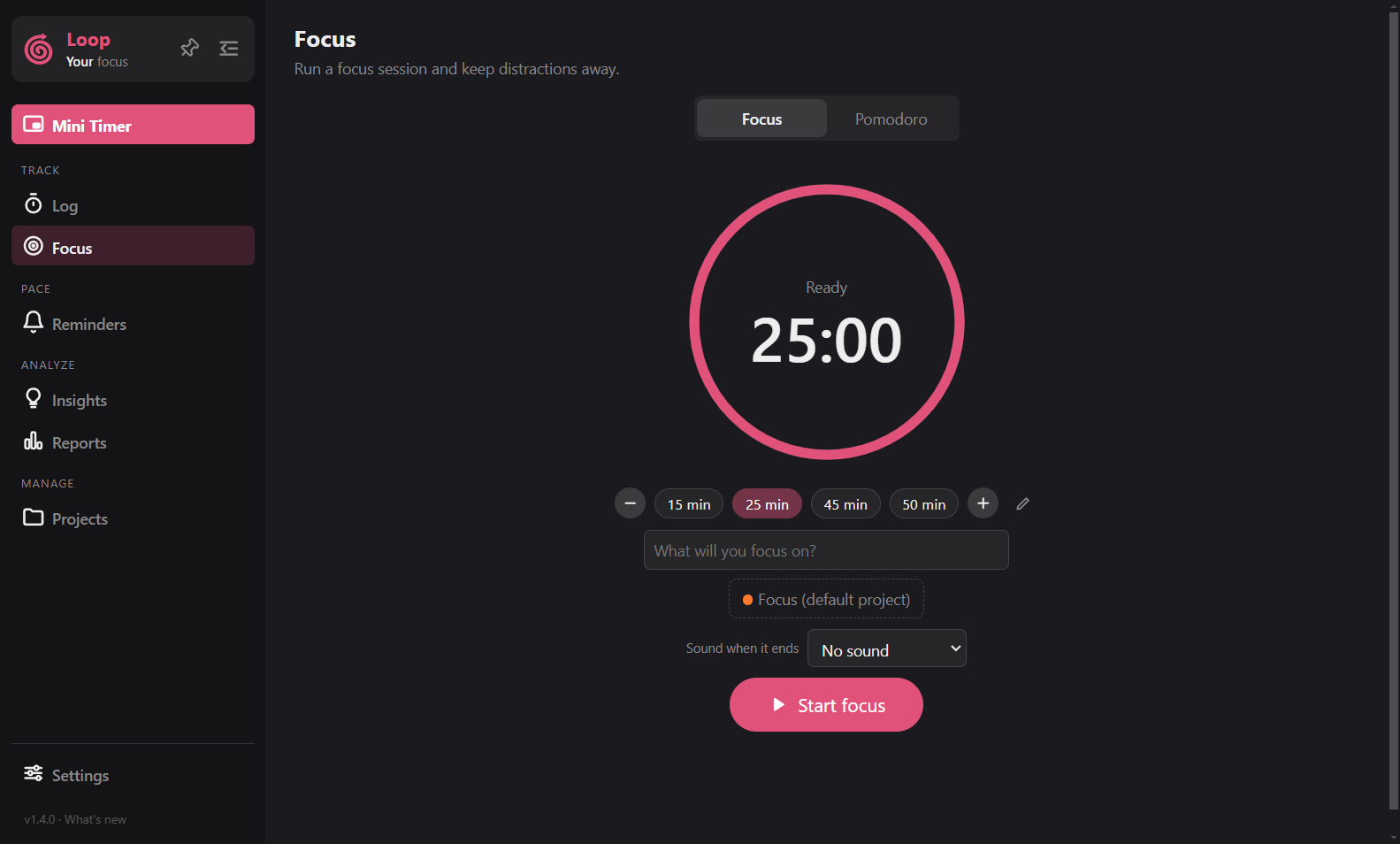
Focus session
Pick a length with the presets (15, 25, 45, 50), the + and - buttons, or click the clock and type one: 25, 1h30, 45m, 25:00. Add a task and project, then start.
Loop switches to the mini timer while you focus (you can turn this off in Settings > Timer > Mini timer). When the session ends, it is saved as a log marked as focus. A session counts as completed when at least 80 percent of the planned time was done. Every minute counts toward "Minutes focused", even if you stop early.
Pomodoro
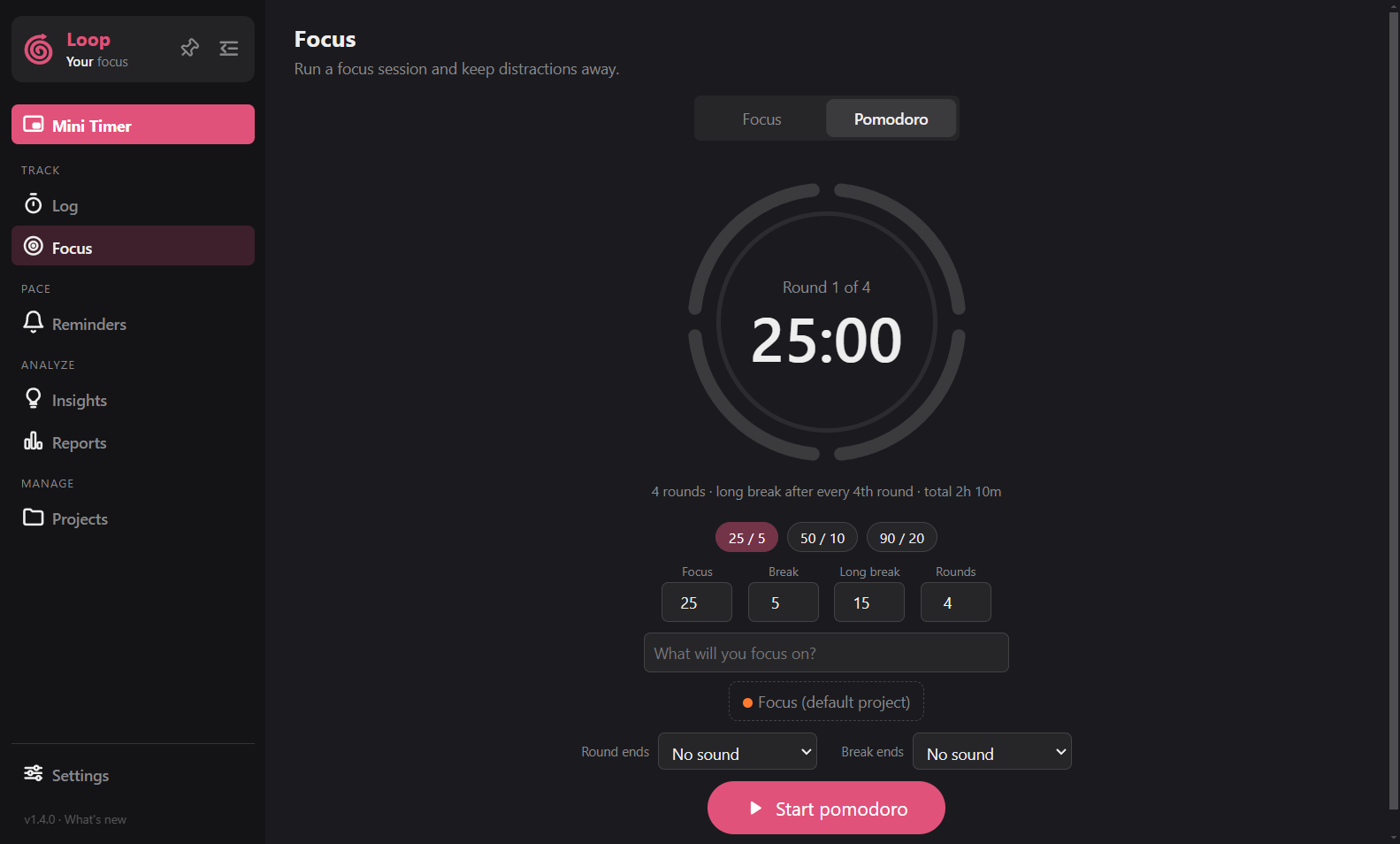
Turn on Pomodoro to work in rounds with breaks.
- Set the round length, the short break and the long break.
- A long break replaces the short one after every 4th round, only when more rounds follow.
- There is no break after the last round.
- A whole Pomodoro run is saved as one log, breaks included.
- The page shows your plan, such as "4 rounds · long break after every 4th round · total 2h 5m", and the progress while it runs.
Sounds
Choose a sound for the end of a focus session. In Pomodoro you pick one for when a round ends and another for when a break ends. They are off until you choose one. See Sounds.
Good to know
- Idle detection is paused during a session.
- Reminders do not ring during a session.
- Breaks are not logged.
- You can also mark any normal log as a focus session: in the Log list, open the
⋮menu and choose Mark as focus session. Settings > Timer > Focus Project Name controls the project those logs can be moved to. - The Focus page shows sessions, minutes, your streak and the last 7 days.