
Appearance
Reports
Reports adds up your time for any period.
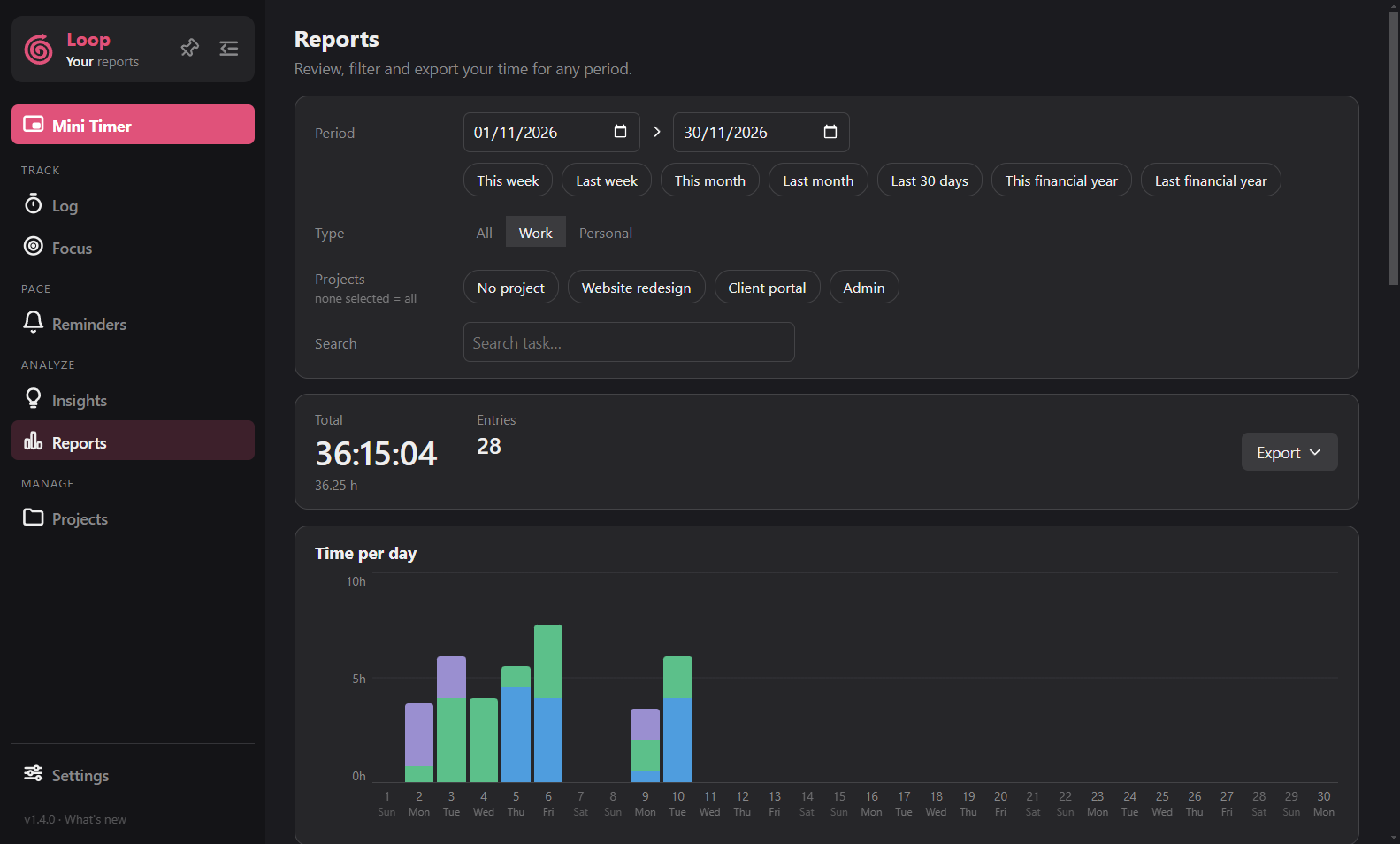
Filters
- Period: two dates, plus quick ranges including Australian financial years.
- Type: Work, Personal or All.
- Projects: pick some, or none to include all.
- Search: matches task names. While a search is on, the totals say "filtered" and a Showing line lists the active filters. Remove any with its x.
Results
The top strip shows the total, number of entries, and the Work and Personal split when both are included. Below it are the chart, a table by project, a table by day and the full list of entries.
Click a bar or a day label in the chart to open that day (or week, or month) on the Log page.
Export
The Export menu saves a CSV file or a PDF report of exactly what you are looking at. The CSV has a Type column. The PDF lists the filters you used.
Reports, exports and totals never include checklists or activity lane data.